
🌐 Accessibility: What Does It Really Mean?
While learning HTML and CSS, I came across this thing called Accessibility—and I’ll admit, at first it sounded like “just another guideline.”
But then I paused and asked myself:
👉 Can everyone use the site I’m building?
If the answer is “maybe not,” then it’s time to look at WCAG — the Web Content Accessibility Guidelines.
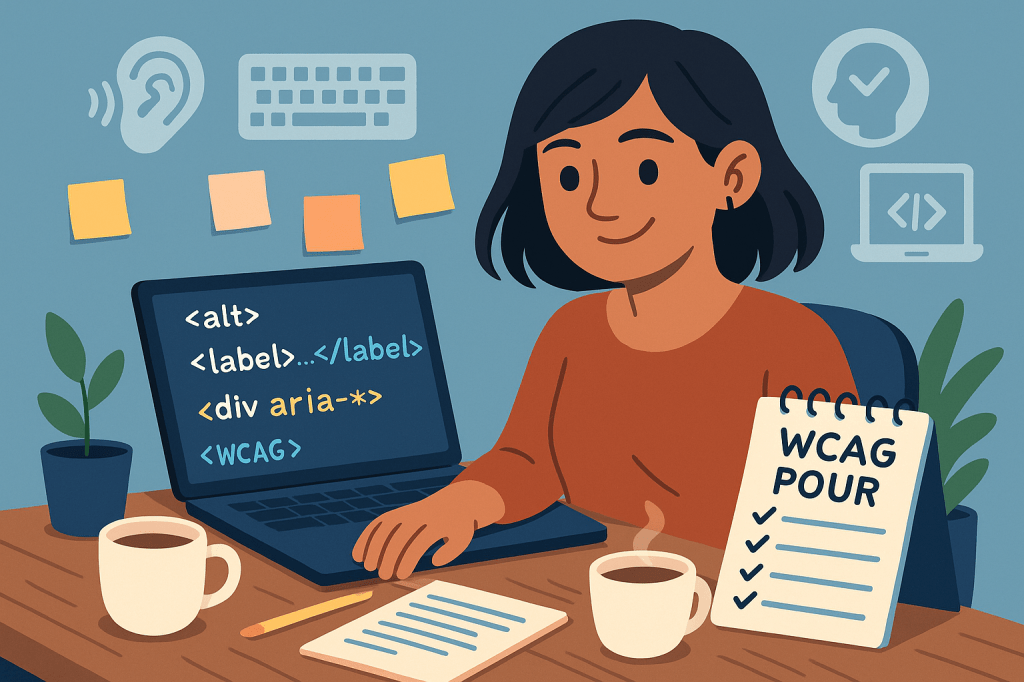
🧠 Let’s Pour Some Accessibility In! ☕
WCAG gives us 4 core principles to follow—neatly packed into the acronym POUR:
🅿️ Perceivable
Can people see, hear, or otherwise sense the content? Think screen readers, captions, image descriptions.
🅾️ Operable
Can the site be used with a keyboard alone? Not everyone uses a mouse or touch screen.
⛅ Understandable
Is your content easy to follow? Clear buttons, readable fonts, simple layouts = happy users.
💪 Robust
Will your code work with assistive tech, across browsers, now and in the future?
🏷️ Tags That Help You Do It Right
Here are some of the tags I’ve learned that promote accessibility in simple yet powerful ways:
<header>,<main>,<nav>,<footer>– Give structure to your site (screen readers love these!)alt– Describes what’s in an image for people who can’t see itfor– Connects labels to form fields for easier navigationaria-*– Adds extra context for assistive tools (use only when needed!)
These are small details, but trust me—they go a long way.
💡 Why Should You Care About Accessibility?
I asked myself the same thing. I mean, I’m still learning—do I really need to worry about accessibility right now?
Yes. And here’s why:
✅ The internet is for everyone—and that means your website should be too
✅ You’re creating a space where no one feels left out
✅ It makes your site better for all users
Let me show you what I mean:
- Captions help people watching videos in loud places
- Keyboard support makes life easier for people with limited mobility—and keyboard-loving devs like me!
- Good contrast and headings make content readable on all screens
So yeah—accessibility = good UX = good vibes 🙌
🌟 My Real Takeaway
As someone still figuring out where every semicolon goes, I used to think accessibility was something advanced developers handled.
But the more I learn, the more I understand—it starts with me, right here, as I write my first lines of code.
I’m not just learning to build websites. I’m learning to build spaces that are open, welcoming, and inclusive—no matter who’s visiting them.
Thanks for reading today’s blog!
I hope it gave you something to think about—and maybe even made you check your next <img> tag for that alt text. 😄
Until next time,
Keep learning, keep coding, and keep building with heart. 💻❤️
 CodeWithKriti
Leave a comment