
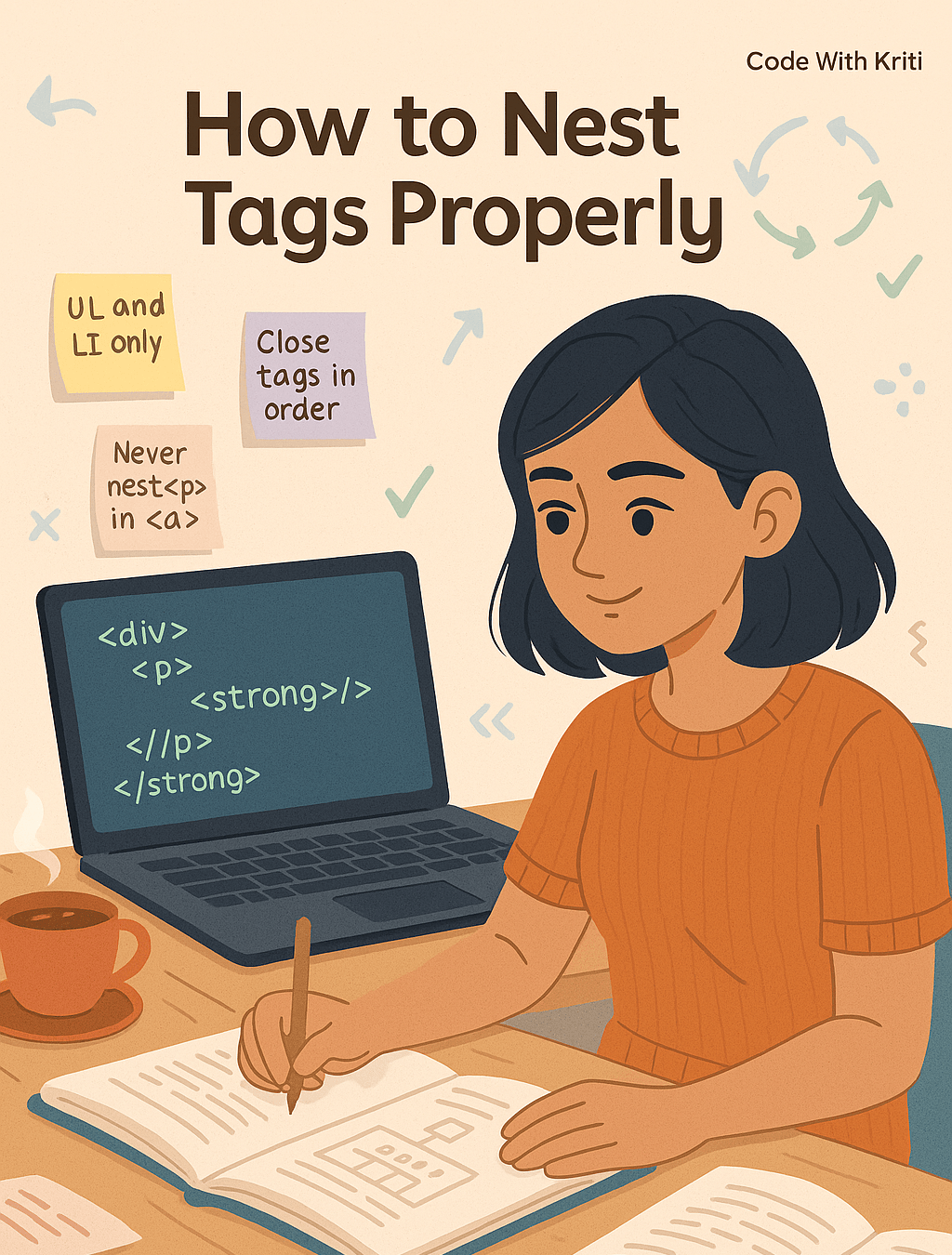
Let’s untangle the mess, one tag at a time.
Hey readers! 👋
So here I am — sipping coffee ☕, fixing HTML, and wondering why on Earth my list won’t show up properly. And guess what? It was all about nesting tags. Yep. That one silly <ul> was sitting in the wrong place and suddenly the internet didn’t make sense.
So today’s blog? It’s a love letter to nesting tags correctly — because when your code is clean and well-organized, trust me, your life is too.
🧠 What Is Nesting Anyway?
Think of nesting like a proper thali 🍽️ — your plate is <body>, the bowl is <div>, and your dal sits inside the bowl as a <p> tag. If the dal’s directly on the plate without the bowl, things get messy fast.
In coding terms:
Nesting means placing HTML tags inside other tags, in a logical and structural order.
🏗️ The Golden Rule of Nesting
👉 The tag you open last should close first.
Like stacking tiffin boxes:
- You open box 1
- Put box 2 inside
- Then box 3
- But when closing? You close box 3, then 2, and finally 1.
Example (Correct):
<p>This is a <strong>very important</strong> message.</p>
Example (Incorrect):
<p>This is a <strong>very important</p></strong> <!-- ❌ This breaks things -->
🧱 Tags That Love to Nest
Here are some real-world examples:
1. ✅ <ul> and <li> — For Lists
Wrong:
<ul>
  <p><li>Apples</li></p> <!-- ❌ p inside ul is not allowed -->
</ul>
Right:
<ul>
  <li>Apples</li>
  <li>Bananas</li>
</ul>
2. ✅ <a> Inside <p> (But Never the Other Way!)
Right:
<p>Visit <a href="https://codewithkriti.com">my blog</a> for more!</p>
Wrong:
<a href="#"><p>Click Me</p></a> <!-- ❌ Can cause layout issues -->
3. ✅ <div> as a Container
<div> tags are like dabba wrappers. You can nest a lot inside — paragraphs, images, forms, etc.
<div class="card">
  <h2>HTML Tip</h2>
  <p>Nesting matters!</p>
  <button>Read More</button>
</div>
🚨 Pro Tips From Kriti’s Mistakes
🔹 Don’t mix block elements inside inline tags (like putting a <div> inside <span>)
🔹 Always indent your code. It makes nesting 100x easier to read.
🔹 Use VS Code extensions like Prettier to format it automatically
🔹 Comment your closing tags if the nesting gets deep
</div> <!-- end of card -->
🎯 Why It Matters
✅ Cleaner Code: Easier to debug and maintain
✅ Better Accessibility: Screen readers can navigate structured code more easily
✅ Cross-browser Consistency: Helps your page display the same everywhere
✅ Peace of Mind: Fewer bugs = happier you 😌
✨ Wrapping It Up (Neatly Nested, Of Course)
HTML looks like a big plate of tangled noodles at first 🍝, but once you understand how tags nest — it’s more like Lego blocks clicking into place.
Whether you’re making a feedback form, a recipe blog, or your next portfolio, nesting your tags properly means you’re already halfway there.
So next time you’re lost in a pile of divs and spans — take a breath, indent your lines, and remember: open last, close first.
Till tomorrow,
Happy coding & happy nesting! 🧑💻💫
 CodeWithKriti
Leave a comment