
Hey, fellow code explorer! 👩💻
Today’s blog is about two small attributes that make a huge difference in how your links behave (and how safe your site is).
If you’ve ever clicked a link and watched it open in a new tab — you’ve already experienced target="_blank" in action.
But what you might not know is that there’s a tiny hidden risk involved — and a tiny fix that solves it.
Let’s break it down. 👇
✅ target="_blank" — Open in a New Tab
This one’s pretty common. You want your users to click a link, but stay on your site too? You use:
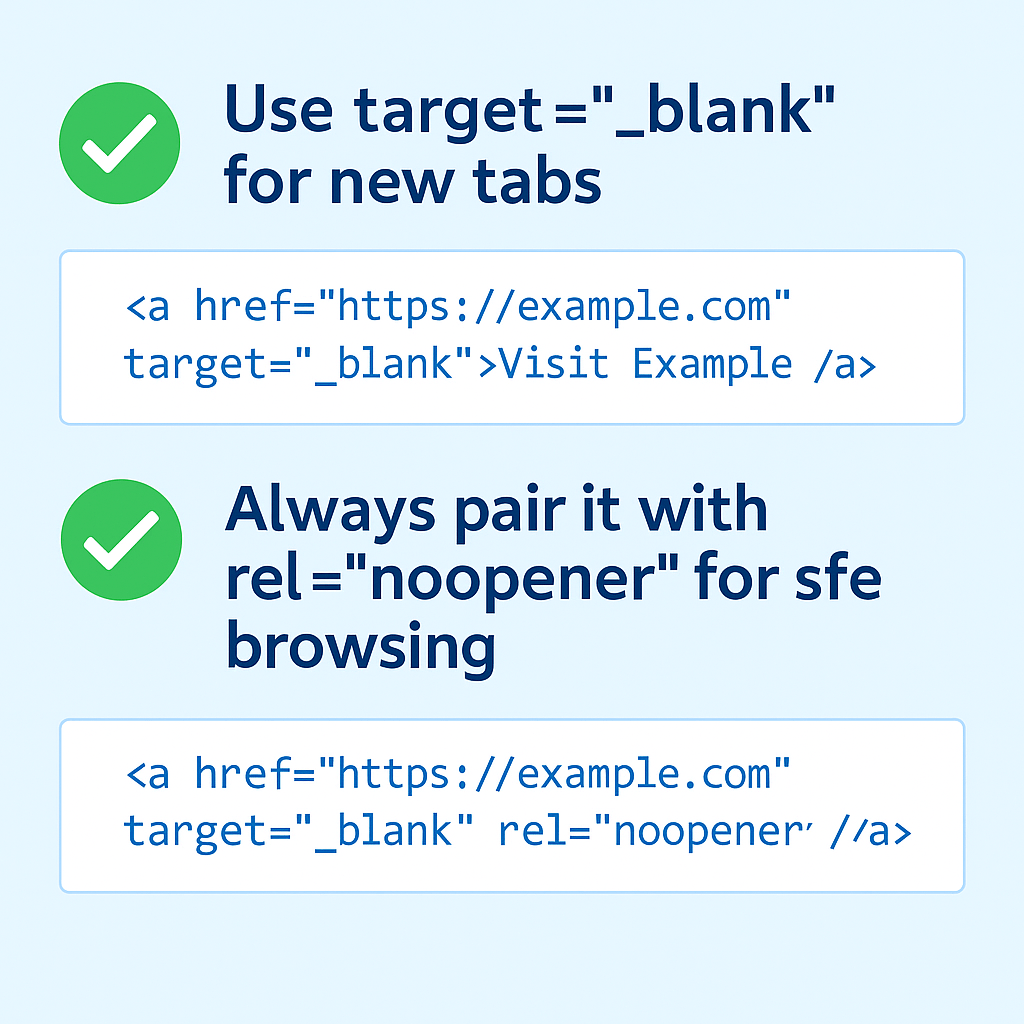
<a href="https://example.com" target="_blank">Visit Example</a>
This opens the link in a new tab, so your website stays right there in the background.
✨ Why It’s Great:
- Better user experience (they don’t lose your page)
- Perfect for external resources, articles, or product pages
🛡️ But Wait… Add rel="noopener"
When you use target="_blank", it opens the door for something called the window.opener vulnerability. 😬
In simple terms:
The page you link to could potentially control or manipulate your original page. Not ideal, right?
💡 The Fix:
Just add this attribute:
rel="noopener"
So your final link looks like:
<a href="https://example.com" target="_blank" rel="noopener">Visit Example</a>
🧠 What rel="noopener" Does:
- Blocks the new page from gaining access to your current page
- Keeps your site secure and protected
- It’s like saying, “You can open that tab, but don’t come back here with any funny business.”
📌 TL;DR
Here’s the winning combo every beginner should remember:
✅ Use target="_blank" to open external links in a new tab
✅ Always pair it with rel="noopener" for safety
They take just a second to add, but help you build trustworthy, secure websites from day one.
Till next time,
Happy coding and keep your links safe and stylish! 💻🔐
 CodeWithKriti
Leave a comment