
When you’re new to HTML, two elements that show up a lot — but don’t seem to do anything — are <div> and <span>. If you’ve ever wondered why they’re so common, let’s break it down with practical examples and simple visuals.
✅ What is a <div>?
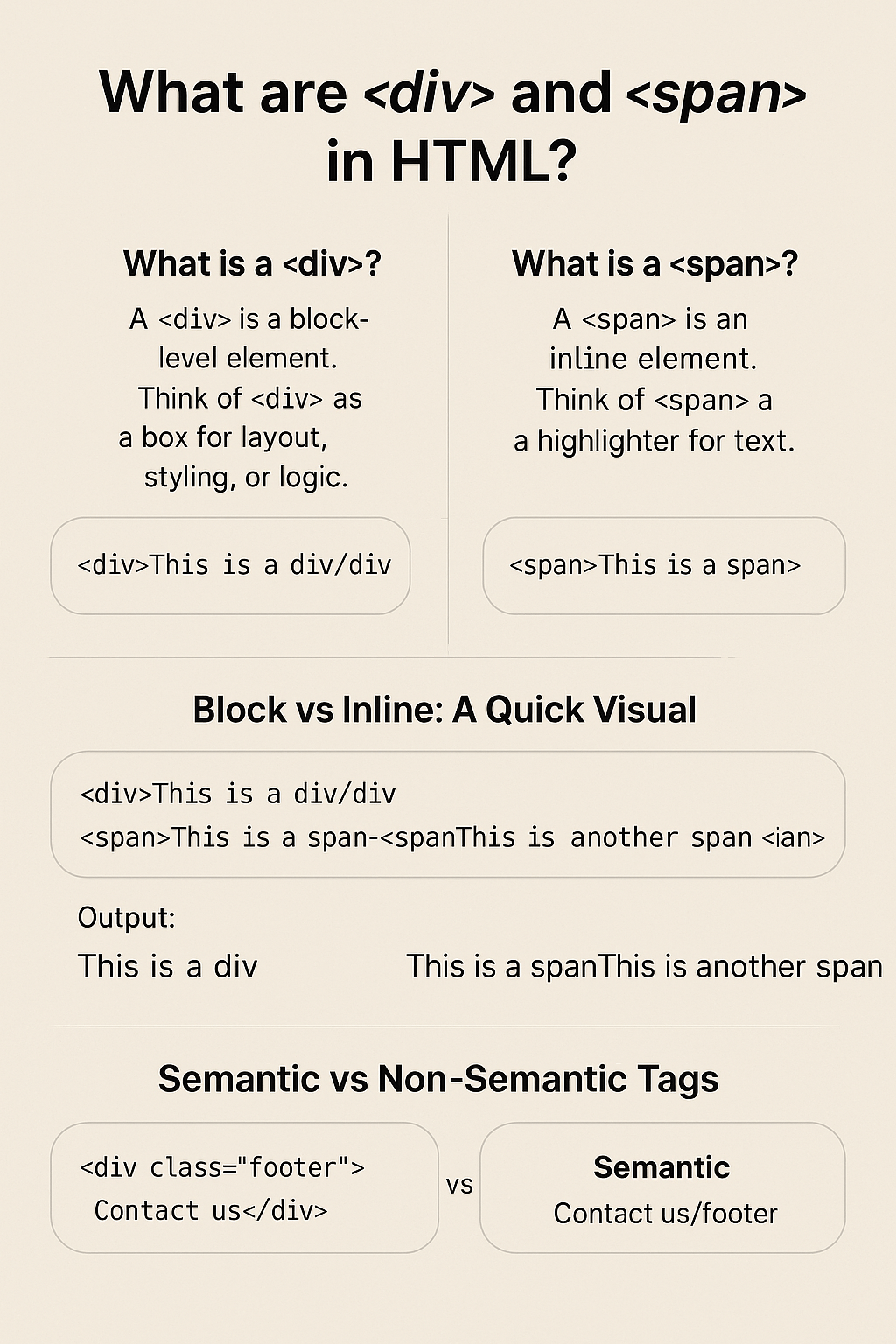
A <div> is a block-level element. It’s like a big container that takes up the full width of the page. You use it to group content together.
📦 Think of <div> as a box for layout, styling, or logic.
💡 Example Use Cases:
<!-- Layout Section -->
<div class="about-section">
  <h2>About Me</h2>
  <p>I love building clean, accessible websites.</p>
</div>

<!-- Card Component -->
<div class="product-card">
  <img src="watch.jpg" alt="Smart Watch">
  <h3>Smart Watch</h3>
  <p>Price: ₹2,999</p>
</div>
🎨 Use <div> to apply CSS styling, structure layout grids, or wrap multiple elements.
✅ What is a <span>?
A <span> is an inline element — meaning it fits within a line of text without breaking the flow.
📌 Think of <span> as a highlighter for words or small pieces of text.
💡 Example Use Cases:
<p>This <span class="highlight">limited offer</span> is only valid for 24 hours!</p>

<p>Developed by <span class="author">Kriti Ranjan</span></p>
🎯 Use <span> when you need to style or script a part of a sentence without affecting the layout.
🖼️ Block vs Inline: A Quick Visual
<div>This is a div</div>
<span>This is a span</span>
Output:
This is a div       <-- takes full width, new line
This is a spanThis is another span <-- stays inline
📚 Semantic vs Non-Semantic Tags
HTML isn’t just about how things look — it’s also about what they mean. That’s where semantics come in.
🟥 Non-Semantic Tags:
<div> and <span> don’t describe the content’s meaning. They’re generic containers.
<div class="footer">Contact us</div>
🟩 Semantic Tags:
These tags describe the role of content, making your HTML more readable (especially for screen readers and search engines).
<footer>Contact us</footer>
Common Semantic Tags:
<header><nav><main><article><section><footer>
🧠 Why This Matters
Using semantic tags:
✅ Improves accessibility (screen readers understand structure)
✅ Boosts SEO (search engines know what’s important)
✅ Makes your code easier to maintain
❓Let’s Chat
Have you ever used <div> for everything before learning about semantic tags?
💬 Share your early HTML experiences in the comments or DM me on Instagram at @CodeWithKriti!
 CodeWithKriti
Leave a comment