
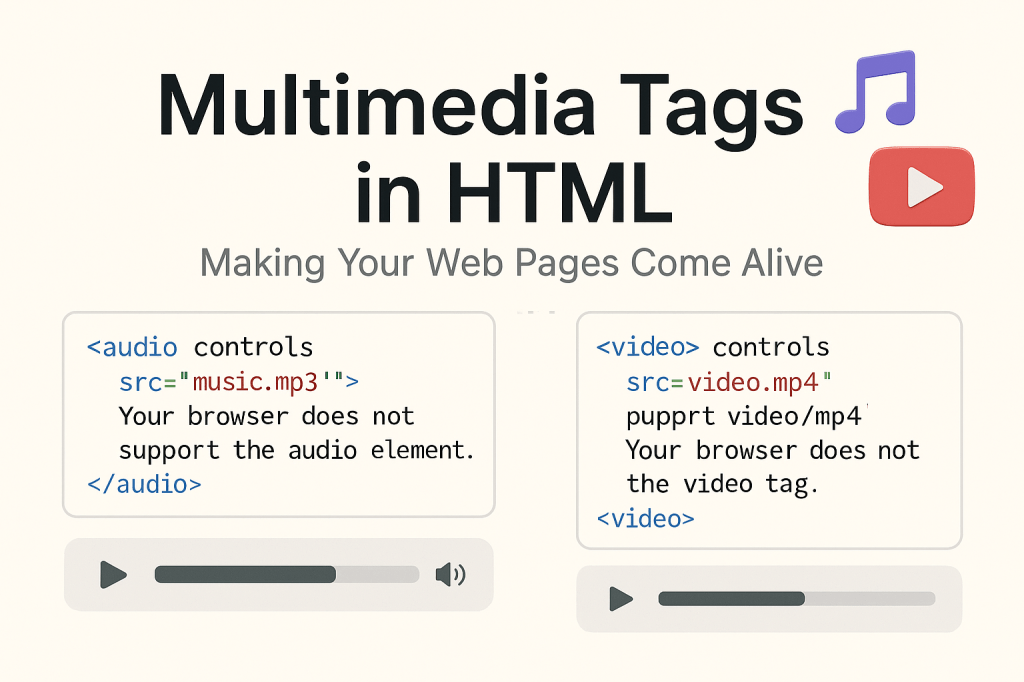
Since I started learning web development, every tag I discover feels like unlocking a new superpower. Today, it’s all about making your web pages speak and move. And no, I’m not talking about flashy animations — I’m talking about something more immersive: multimedia tags in HTML like <audio> and <video>.
These tags add life to static pages. And as someone who’s building real-world projects (thanks, DevChallenges!), integrating multimedia has been a fun way to make user experiences more engaging and interactive.
🎵 <audio> Tag — Let Your Page Be Heard
The <audio> tag allows you to embed sound content. Think music, podcasts, ambient sounds, or even button clicks — all possible with just a few lines of code.
🔧 Basic Syntax:
<audio controls>
  <source src="music.mp3" type="audio/mpeg" />
  Your browser does not support the audio element.
</audio>
💡 Things I Learned:
- Use the
controlsattribute to give users a play/pause interface. - You can provide multiple
<source>tags for cross-browser support. - Always include fallback text for older browsers — accessibility matters!
🎬 <video> Tag — Let Your Page Tell a Story
Video is powerful. From product demos to storytelling — embedding videos directly on your page makes everything more dynamic.
🔧 Basic Syntax:
<video width="320" height="240" controls>
  <source src="video.mp4" type="video/mp4" />
  Your browser does not support the video tag.
</video>
🎯 Bonus Attributes I Found Useful:
autoplay– starts playing automatically (use it wisely!).loop– keeps playing in a loop.muted– especially useful whenautoplayis on.poster– display an image before the video loads.
🌍 Why It Matters in Real Projects
In one of my recent DevChallenges projects, I imagined a travel landing page. Adding a soft ocean wave audio or a short looping video of mountain sceneries made the design feel more real — not just code, but experience.
Multimedia tags are simple, but they change the feel of the page.
🧠 My Takeaway
Even as a beginner, I’ve realized that HTML isn’t just about structure — it’s about crafting experiences. And with <audio> and <video>, we move from reading the web to feeling it.
🔁 Have you used multimedia in your web projects yet? Share your favorite use case or drop a link to something cool you’ve built!
 CodeWithKriti
Leave a comment