
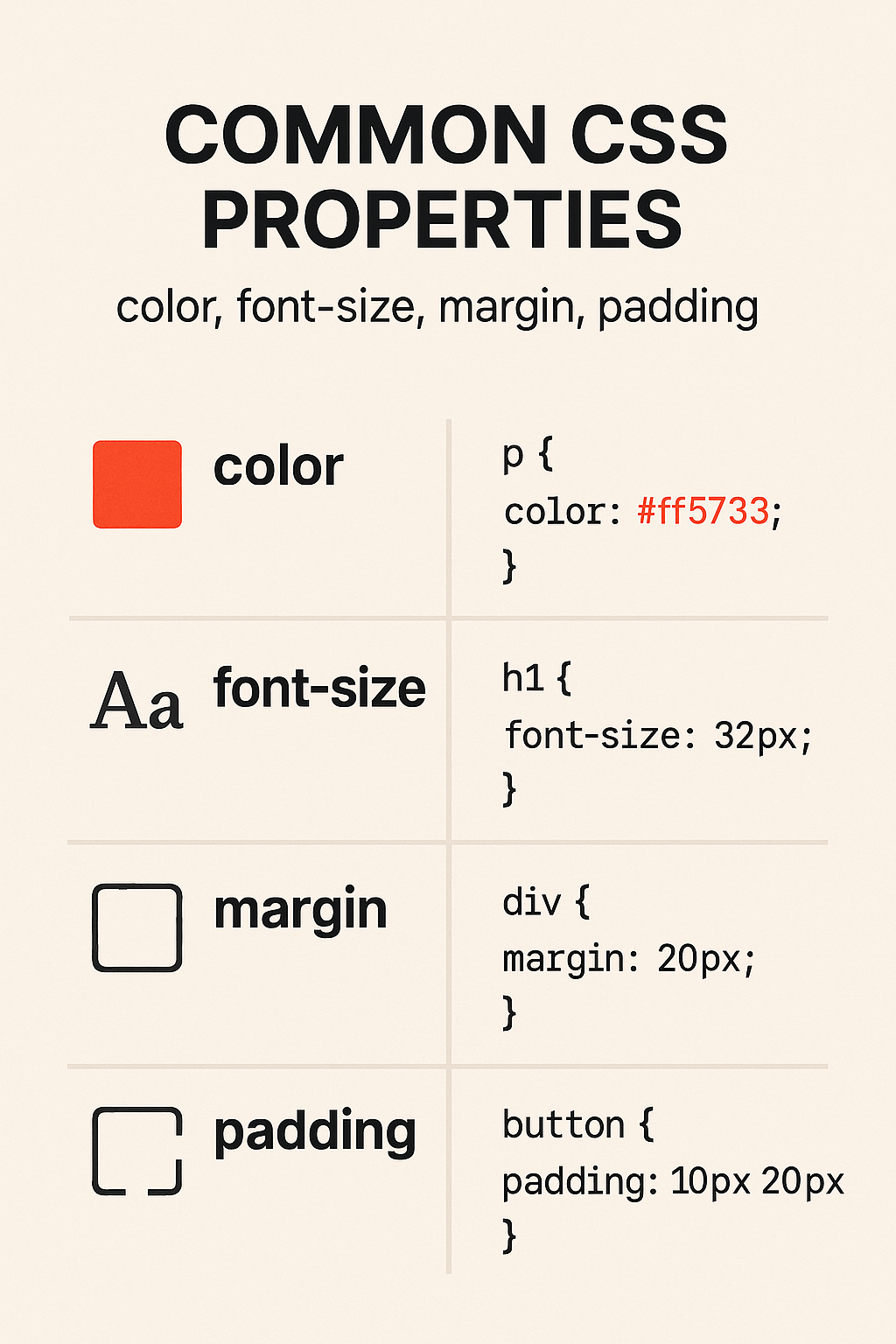
When I started learning CSS, I got confused between margin, padding, and why my text looked weird even when I tried to fix it. Slowly, I realized that mastering a few basic properties can make your website look clean, structured, and aesthetic.
So today, let’s break down 4 commonly used CSS properties that every beginner should know:
1. 🎨 color: Adding Life to Your Text
The color property changes the text color of an element.
p {
  color: #ff5733;
}
You can use:
- Named colors:
red,blue,green - Hex codes:
#000000(black) - RGB/HSLA for more control
📌 Note: color changes only the text color, not the background.
2. 🔠 font-size: Control the Size of Your Words
The font-size property changes the size of your text.
h1 {
  font-size: 32px;
}
Units you can use:
px(pixels) – fixed sizeem,rem– scalable units%– relative to parent
👀 I prefer using rem for consistency and responsiveness.
3. 📦 margin: Space Outside the Element
Think of margin as the space around your element—it separates your element from others.
div {
  margin: 20px;
}
You can also set it like this:
margin: 10px 20px 30px 40px; /* top right bottom left */
💡 Pro tip: Use margin: auto to center block elements horizontally.
4. 📥 padding: Space Inside the Element
padding is the space between the content and the border of an element. It pushes the content inward.
button {
  padding: 10px 20px;
}
It gives your element breathing space.
🔍 Fun fact: Increasing padding increases the clickable area of buttons!
💭 Final Thoughts
CSS might feel overwhelming at first, but trust me—once you get a grip on properties like color, font-size, margin, and padding, your designs will start making visual sense.
If you’re just starting out, play with these in CodePen or VS Code. Change values. Observe what happens. That’s how I learn too!
💡 Tell me in the comments:
Which CSS property confused you the most when you were starting?
 CodeWithKriti
Leave a comment