
Let’s rewind a bit.
When I first hit “Inspect Element” in Chrome, I wasn’t trying to learn anything. I just wanted to delete an annoying popup from a website (you know the ones that scream “Sign up for our newsletter!!” before you’ve even scrolled). I had no clue that tiny right-click would change the way I looked at websites forever.
Meet the Elements Tab — The Heart of Inspect
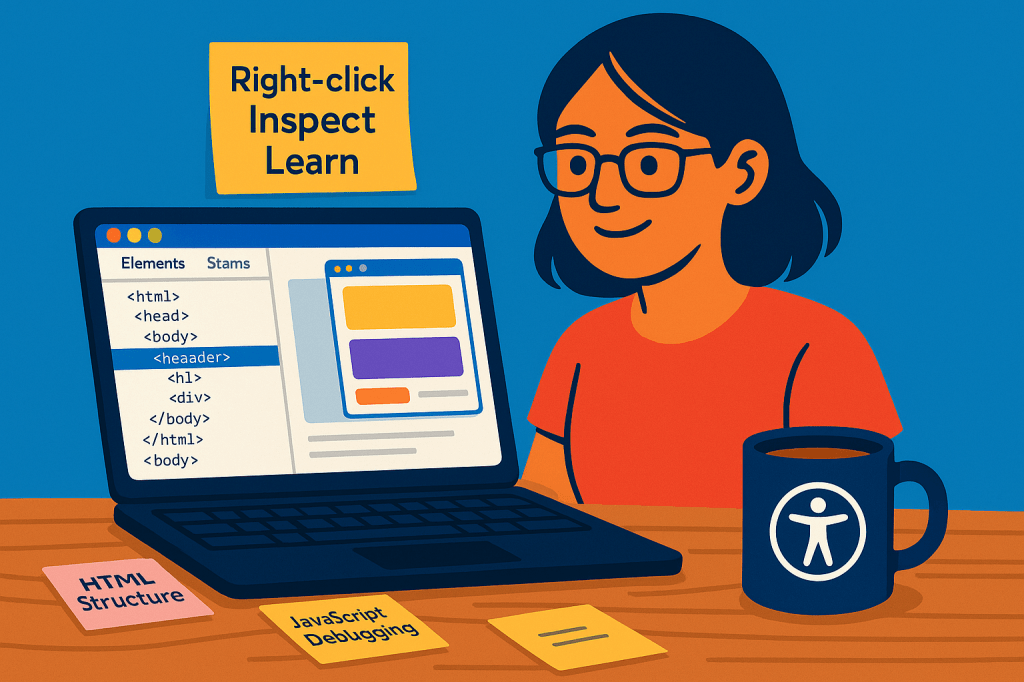
The Elements tab is like peeking behind the curtains of a play. It shows you all the HTML and CSS that make the webpage look and feel the way it does. You can hover over lines of code and—like magic—the exact section on the webpage gets highlighted. That blew my mind the first time.
It felt like touching code for the first time without actually breaking anything.
Why I Fell in Love With It
I was learning HTML and CSS through DevChallenges, and every time I got stuck, I opened the Elements tab of real websites I admired. Want to know how someone styled that button? Inspect. Curious about their layout? Inspect.
It became my unofficial mentor. No judgments. Just honest structure.
Little Things I Noticed
- You can edit HTML and CSS live — just double-click, make changes, and instantly see the effect. It’s like testing makeup on a website’s face.
- The CSS panel shows all the styles applied to an element, with the crossed-out ones showing you what’s being overridden.
- The box model visualization at the bottom? Game-changer. Helped me finally understand why things were always misaligned.
A Grounded Truth
The Elements tab won’t write code for you, but it will teach you how real-world code is structured. For me, it turned passive learning into curious exploration.
And now, whenever I design something, I inspect it too — not out of doubt, but out of love for how things come together.
So, next time you’re stuck, just right-click > Inspect.
Your future web-dev self will thank you.
 CodeWithKriti
Leave a comment