
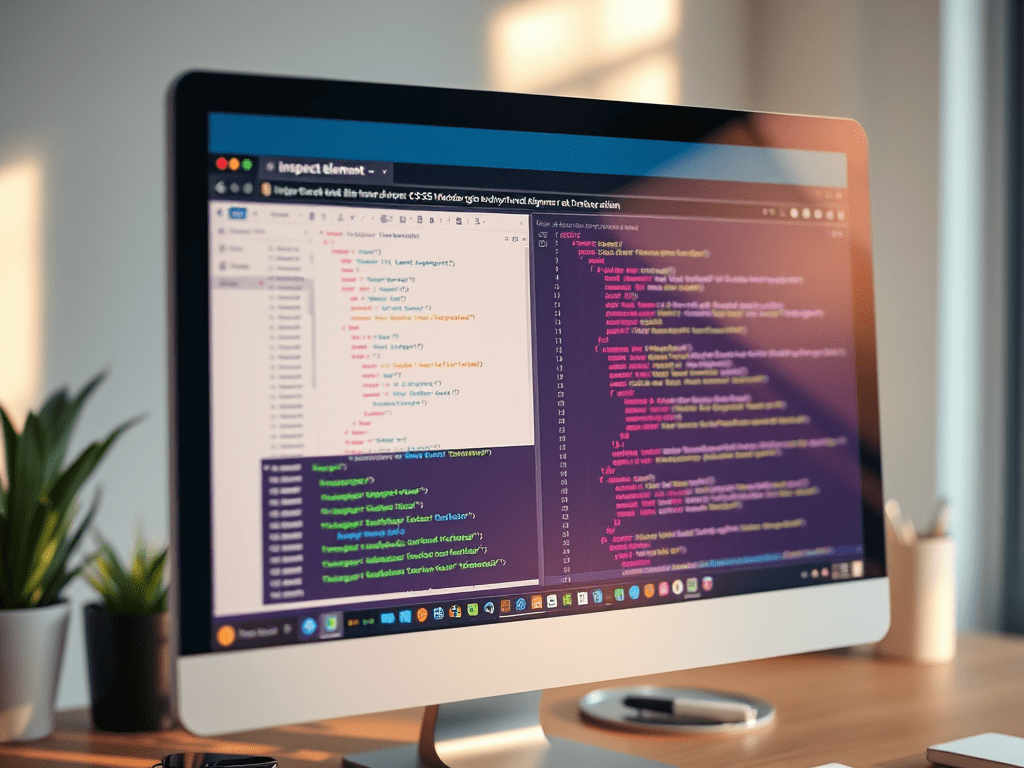
There’s something oddly satisfying about editing a live website without touching a single line of code in your actual files. Sounds like hacking? Relax, it’s not. It’s just Inspect Element magic.
I remember the first time I right-clicked a webpage and hit “Inspect”. I was just curious. Suddenly, a whole panel of code opened up like the back of a watch, and I panicked and closed it. 😂 Fast forward to now—it’s my go-to trick to tweak designs in real time and test CSS like a styling wizard.
So, what is Inspect Element?
It’s a browser tool (right-click > Inspect) that lets you peek behind the scenes of any website. And more than just peeking—you can actually edit HTML and CSS temporarily to see how things would look. No code is harmed in the process.
✨ Real-Time CSS Editing — Why It’s a Game-Changer
Let’s say I’m adjusting the padding of a button or checking how a blog header looks with a different font. Instead of switching to my code editor, saving, refreshing, and repeating the cycle 100 times—I just:
- Right-click the element > Inspect
- Navigate to the Styles pane
- Edit the CSS directly (like
color: pink;,font-size: 2rem;) - Watch the changes happen live on screen!
That’s it. No reloads, no stress. You get instant feedback.
🛠 Why I Love Using It While Learning
When I started building projects, I struggled a lot with positioning elements. Sometimes a margin would behave weirdly, and I had no clue why. Inspecting the element helped me see where space was actually coming from—was it padding, margin, or some sneaky parent div?
It taught me to troubleshoot layout issues visually rather than just guessing. Also, when I’m experimenting with a Figma design or tweaking a DevChallenge project, Inspect makes it feel like I’m playing dress-up with my webpage.
⚠️ A Quick Note
Changes you make with Inspect are temporary. Refresh the page, and everything resets. It’s a safe playground, but if you want your edits to last, copy them back to your code editor.
🌈 Final Thoughts
If you’ve never tried editing styles with Inspect, I highly recommend it. It’s not just a tool for developers—it’s a secret weapon for learners, tinkerers, and curious minds. It helped me understand CSS better than any tutorial ever did.
So next time you find a cool webpage or want to test out a layout fix—go ahead, Inspect and play around. You might just surprise yourself.
 CodeWithKriti
Leave a comment