
Category: Web Dev Diaries
-
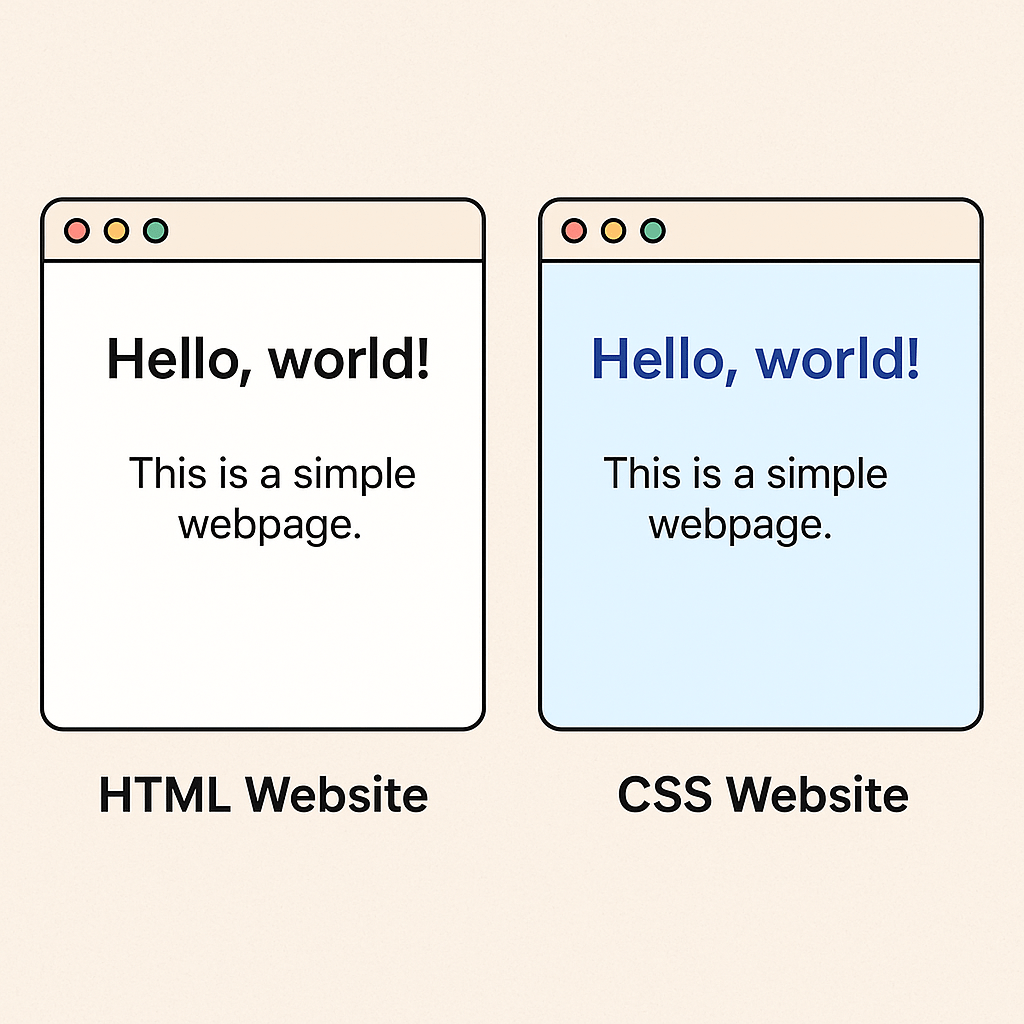
CSS Styling: A Beginner’s Guide
When you open a webpage that feels modern, clean, and just right, you’re seeing CSS at work. While HTML is like the skeleton of a site, CSS adds the style, color, and layout—like clothes and personality. 💅✨ 🧩 CSS = Cascading Style Sheets CSS stands for Cascading Style Sheets. It…
-
Master HTML5 Forms: Built-in Validation Made Easy
When I first started learning HTML, creating forms felt like juggling—so many input types, validations, and extra JavaScript just to make sure users didn’t submit a half-filled form. But then I discovered HTML5—and let me tell you, form handling became a breeze! 🌬️ So, what exactly changed in HTML5 when…
-
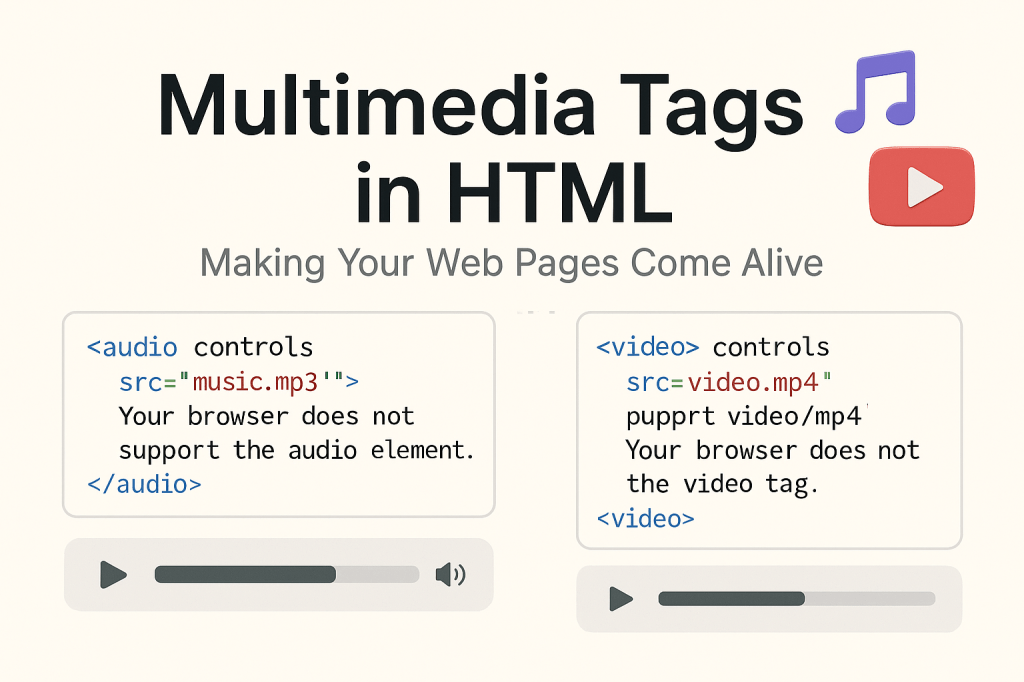
Add Audio & Video to Engage Web Users
Since I started learning web development, every tag I discover feels like unlocking a new superpower. Today, it’s all about making your web pages speak and move. And no, I’m not talking about flashy animations — I’m talking about something more immersive: multimedia tags in HTML like <audio> and <video>.…
-
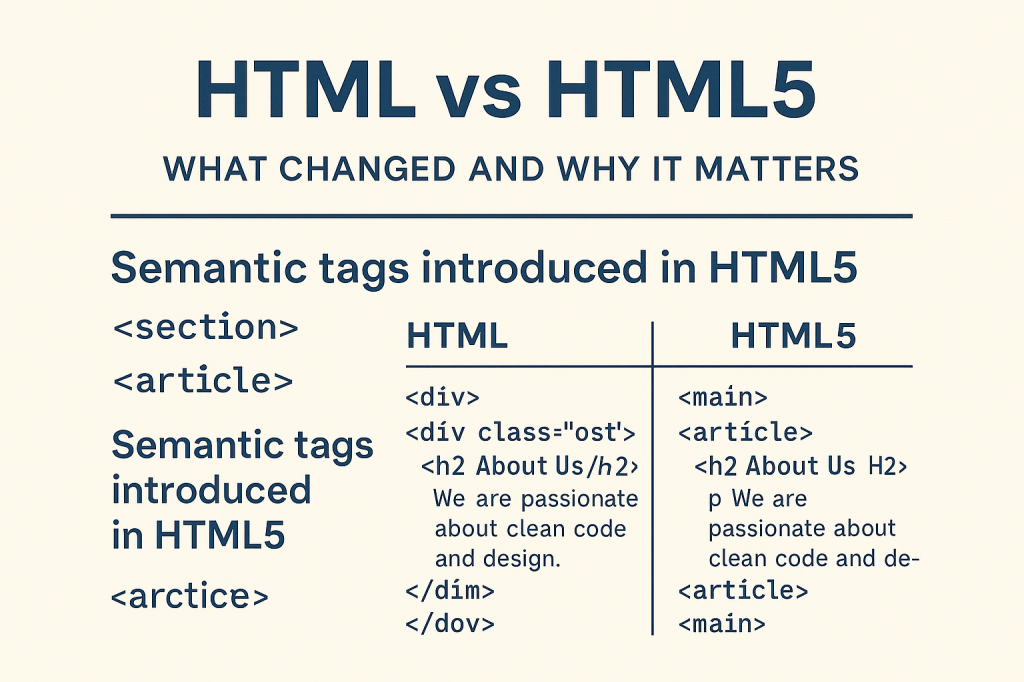
Improve SEO with HTML5 Semantic Tags
Understanding Semantic Tags Like <section> and <article> When you’re just starting with web development, it’s easy to get lost in all the versions and updates of HTML. But one of the most important transitions in web history was from HTML to HTML5. It wasn’t just a version upgrade — it…
-
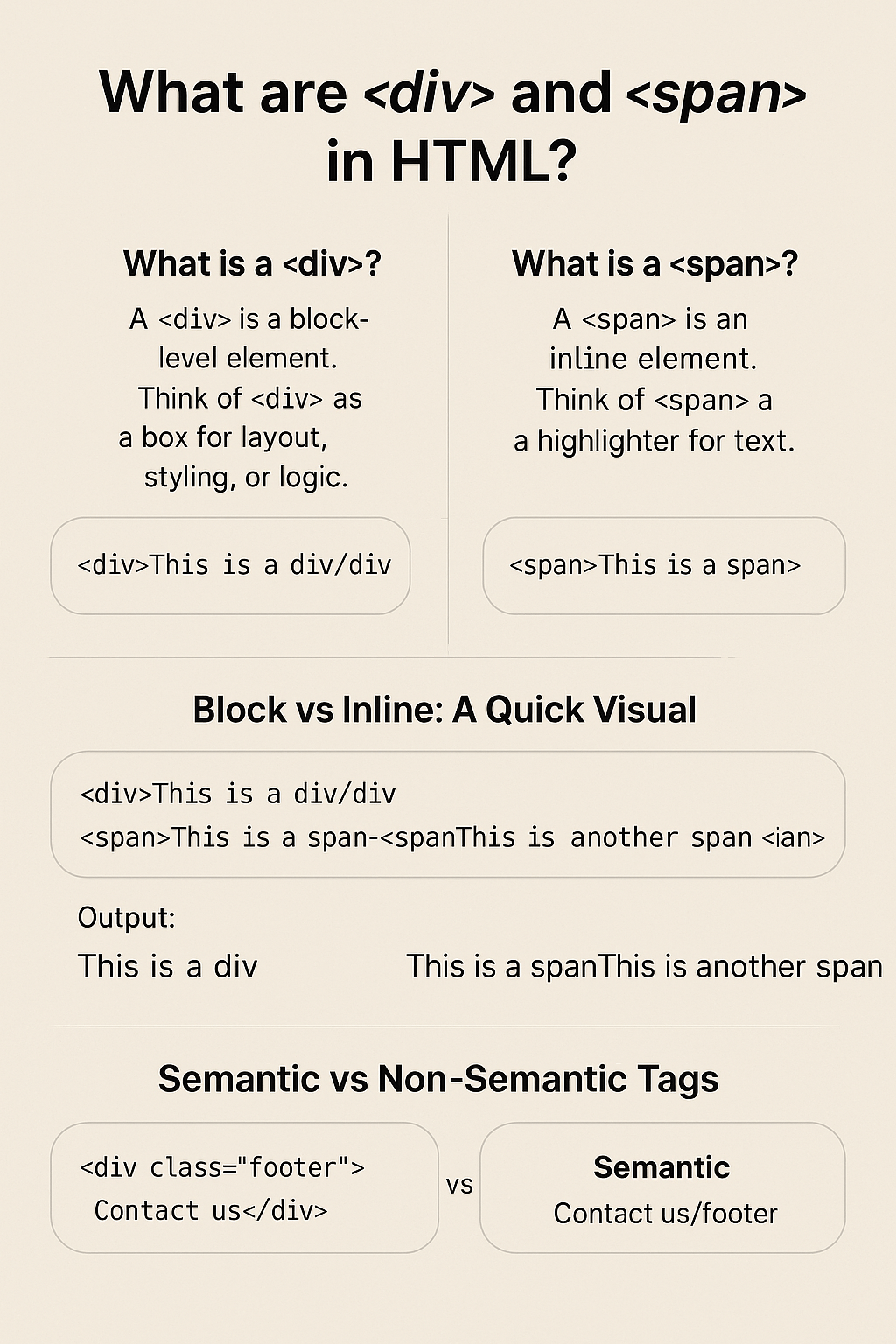
Understanding HTML div and span Tags
When you’re new to HTML, two elements that show up a lot — but don’t seem to do anything — are <div> and <span>. If you’ve ever wondered why they’re so common, let’s break it down with practical examples and simple visuals. ✅ What is a <div>? A <div> is…
-
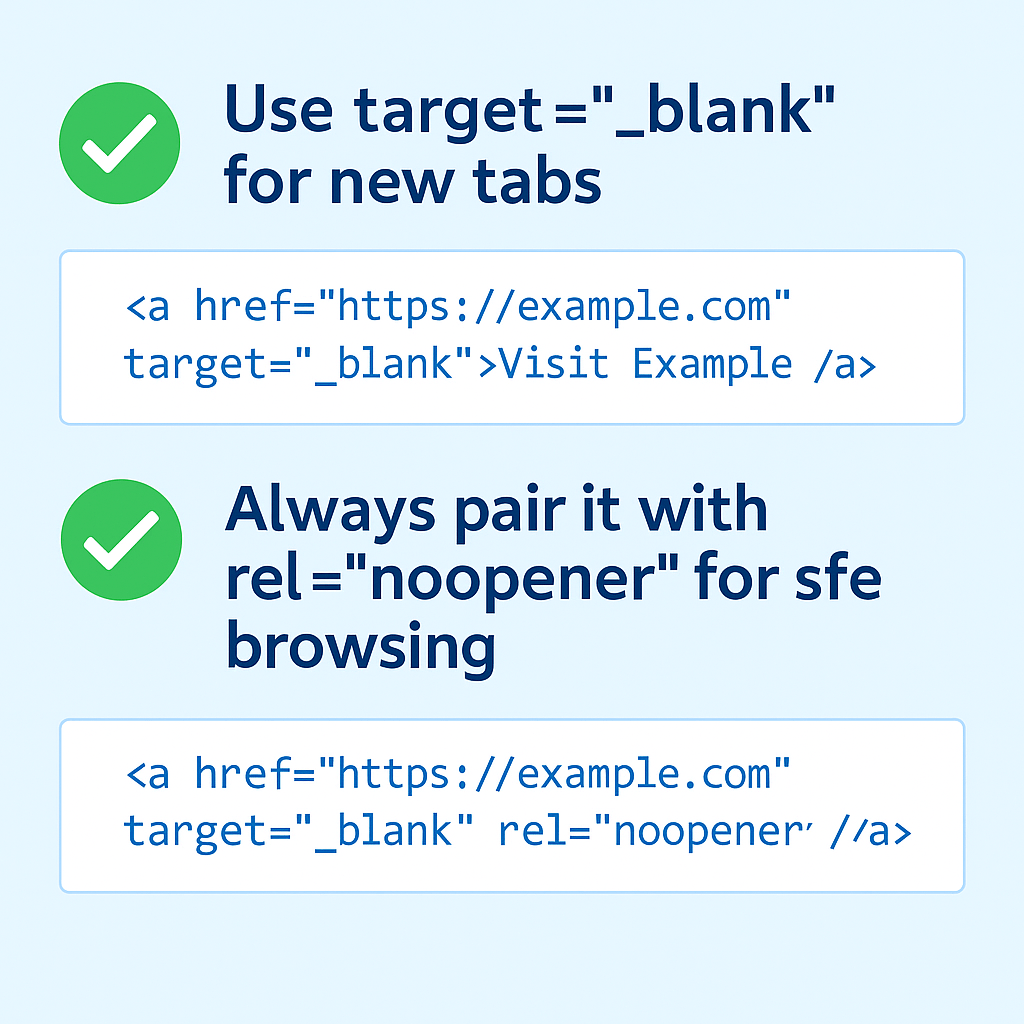
How to Use target=’_blank’ & rel=’noopener’ Correctly
Hey, fellow code explorer! 👩💻Today’s blog is about two small attributes that make a huge difference in how your links behave (and how safe your site is). If you’ve ever clicked a link and watched it open in a new tab — you’ve already experienced target=”_blank” in action. But what…
-
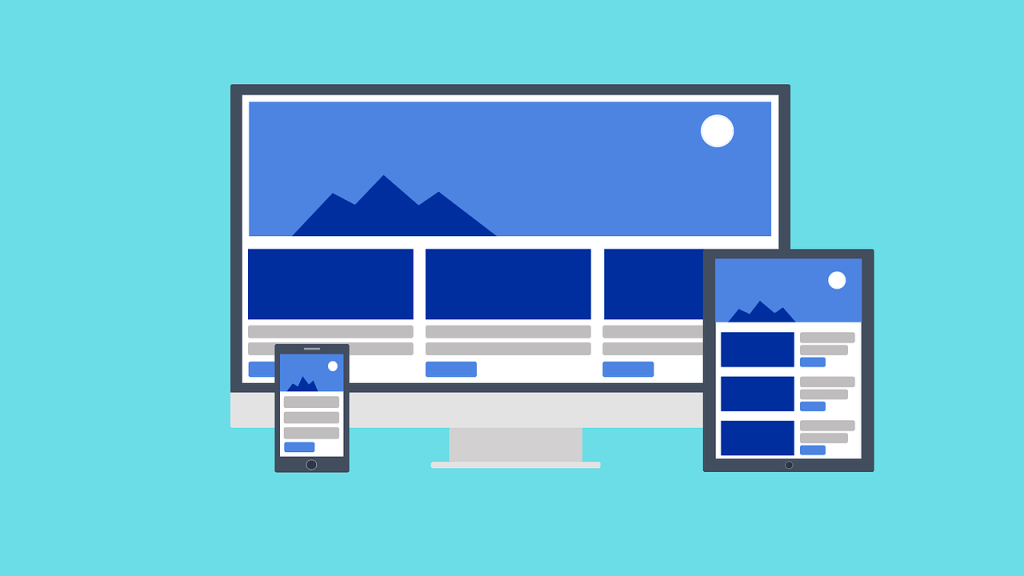
Master Responsive Images: Boost Your Web Design
Hey there, web fam! 👩💻Welcome back to Code With Kriti, where every tag I learn turns into a blog post 😄 Today’s “aha!” moment came from something we all love: Images!But not just pretty pictures — I’m talking about responsive images that actually fit the screen whether it’s a phone,…
-
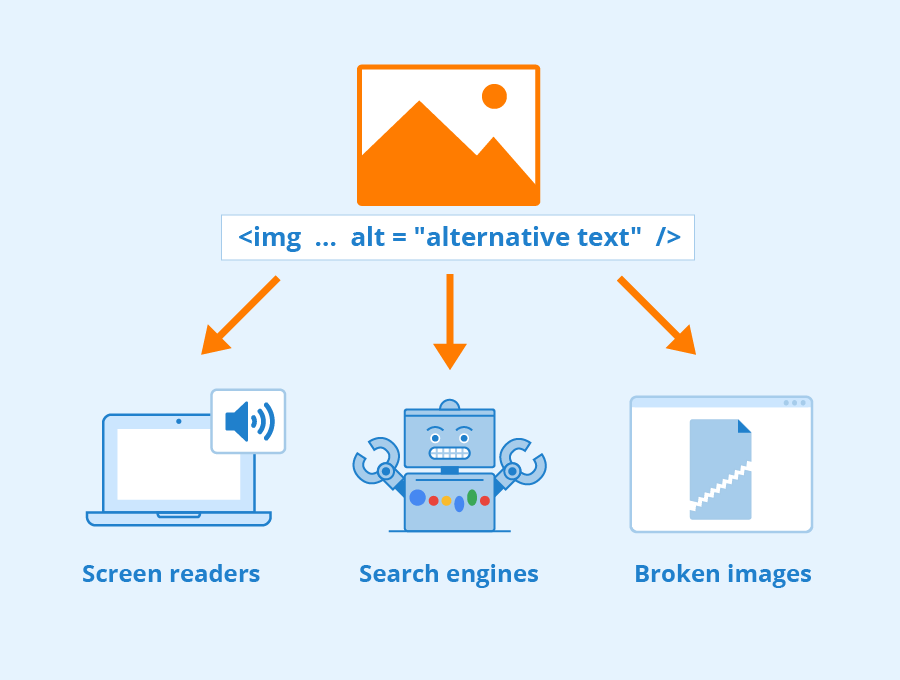
Alt Text Best Practices Every Coder Should Know
Hey friends! 👋 Welcome back to Code With Kriti, where we explore the magic behind every HTML tag, one step at a time. Today, let’s talk about something small — but mighty — in web development: the humble alt attribute. It may just look like a few words tucked inside…
-
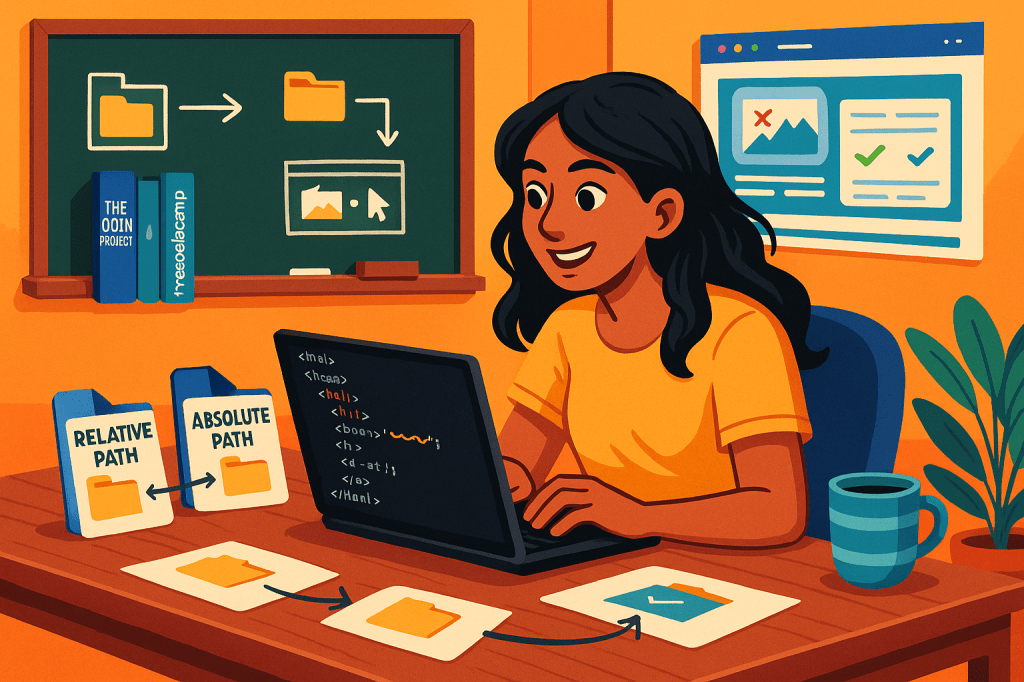
Understanding Absolute vs. Relative Paths in HTML
Hey readers! 👩💻 If you’re like me—still early in the web development journey—you’ve probably run into the question:What the heck is the difference between an absolute and a relative path in HTML? When I first started linking images or stylesheets, I’d just copy-paste a path, hope it worked, refresh the…
-
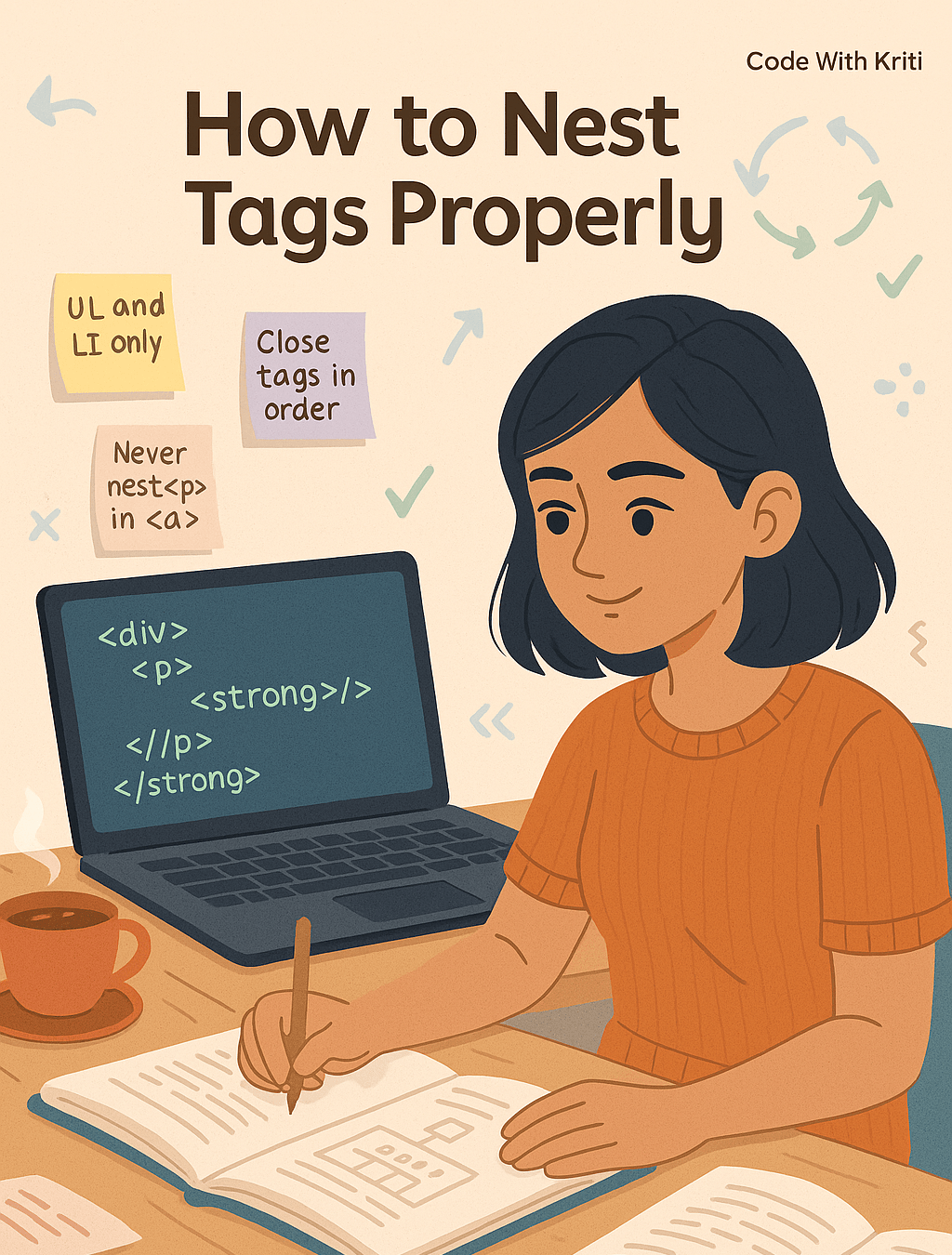
Mastering HTML Nesting: Clean Code Simplified
Let’s untangle the mess, one tag at a time. Hey readers! 👋So here I am — sipping coffee ☕, fixing HTML, and wondering why on Earth my list won’t show up properly. And guess what? It was all about nesting tags. Yep. That one silly <ul> was sitting in the…
-
Boost Your Website Speed with Smart HTML Tips
Hey, fellow learners! 👩💻As I’ve been writing more code, I’ve realized — HTML is full of hidden gems 💎. I knew about the basic stuff (like href, src, alt) but there are so many underrated attributes that make your website smoother, smarter, and way more user-friendly. So today, let’s talk…
-
Simplifying HTML: 10 Key Tags Explained
Hey fellow coders! 👩💻If you’re just getting started with web development, HTML might feel like alphabet soup. But some tags? You’ll see them pop up again and again — like that one friend who shows up to every party with snacks 🍿. So today, I’m breaking down the top 10…
 CodeWithKriti